
· 8 min read
Faceless app marketing videos: how to promote an app off camera
How to make faceless app marketing videos: voice-over with scenes, screen recordings, text-led videos and carousels, plus what makes them feel human.
- short-form video
- video production
- app marketing
- carousels
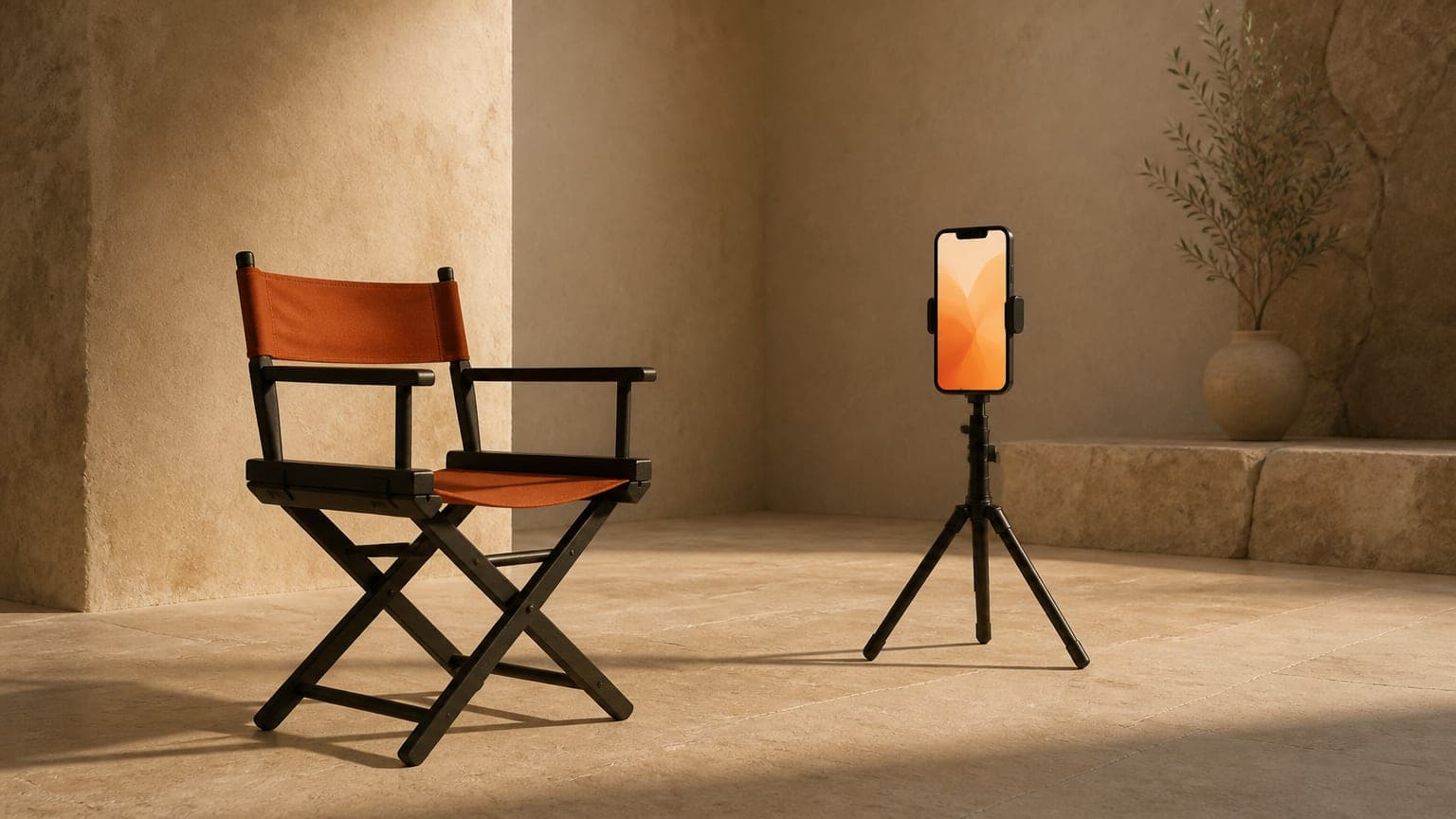
Faceless app marketing videos promote an app without anyone on camera. The usual formats are a voice-over over visual scenes, a screen recording of the app, a text-led video set to music, and a carousel of slides. They feel human when they start from a moment the viewer recognizes and use words that sound like a person talking, not a brochure.
What is a faceless app marketing video?
A faceless video is any video where nobody appears on camera to present. Something else carries the story: a voice, on-screen text, footage of the app, or scenes that show the world the viewer lives in.
For app makers, it's often the practical choice. Plenty of apps are built by one or two people who don't want to film themselves, don't have the time, or would rather the app speak for itself. Faceless formats also have a few real advantages:
- They're easy to repeat. You can make five versions of a script without five filming sessions.
- They're easy to localize. Swapping a voice-over and subtitles is far simpler than reshooting a presenter in another language.
- They keep the focus on the viewer. With no presenter to look at, the video has to be about the viewer's problem, which is where it belongs anyway.
- They don't depend on one person. Nothing breaks if the founder gets busy or simply prefers not to be the face of the brand.
The trade-off is trust. A face gives viewers a quick read on who's talking. Without one, the script, the voice and the visuals have to earn that trust instead.
Which faceless video formats work for apps?
Four formats cover most of what app accounts post without a presenter. They aren't exclusive: plenty of good videos mix two of them.
Voice-over with visual scenes
A narrator talks over a sequence of scenes: a dark bedroom with a phone glowing on the nightstand, a gym bag by the door, a kitchen counter at 7 p.m. The scenes set the mood and the voice tells the story. The app usually shows up in the last scene or two.
This is the most flexible format, because the scenes can show the moment the problem happens, which a screen recording can't. It suits apps whose value is about a feeling or a situation: sleep, stress, parenting, habits, money.
Screen recordings
The app itself is the star: a real recording of someone using it, usually with a voice-over or text on top. This works best when the interface does something visibly satisfying in a few seconds, like a photo cleaned up in one tap or a messy list sorted instantly.
The weakness is that a screen recording shows the solution before the viewer has a reason to care. For more on when to use recordings and when to use illustrated scenes, see screen recordings vs animated app videos.
Text-led videos
Short lines of text appear on screen one after another, over a simple background or a slow visual, with music underneath and no voice at all. They're quick to make and work well for a single sharp idea, a short list ("three signs your budget isn't working") or a punchline.
Because there's no narrator, the writing carries everything. Each line has to be short enough to read in a second or two.
Carousels
A carousel isn't a video, but it's the same idea in swipeable slides: a hook cover, a few slides that make the argument, and a last slide with the real app. Viewers move at their own pace, and carousels are cheaper to make than video, so they're a good place to test an angle before you spend time on a video. The carousel playbook covers slide structure in detail.
| Format | What you need | Good for | Watch out for |
|---|---|---|---|
| Voice-over with scenes | A script, a voice and 4 to 6 scenes | Apps that solve a feeling or a situation | Scenes so generic they fit any app |
| Screen recording | A clean recording of the app | Apps with fast, visual results | Showing the app before the problem |
| Text-led video | Short lines, music and a simple visual | One sharp idea, lists, punchlines | Too much text per screen |
| Carousel | 4 to 6 slides with one idea each | Testing angles, step-by-step ideas | A logo or app name on the cover |
How do you choose a faceless format for your app?
Start from what your app's value looks like, not from the format you enjoy making.
- If the result is visual and fast, lead with a screen recording, but open with the problem in one line before the app appears.
- If the value is a feeling or a situation, use a voice-over with scenes. Show the moment, then the app.
- If your message fits in one line, a text-led video is enough.
- If you don't know which angle works yet, test it as a carousel first.
Whatever the format, a good rule of thumb holds: the first seconds show the viewer's problem and the last seconds show your app.
What makes a faceless video feel human?
Faceless videos fail when they sound like a product page read aloud. Most of the fixes are in the writing, not the visuals.
Start from a moment, not a feature
"Smart reminders" is a feature. "It's 11 p.m. and you just remembered the dentist" is a moment. A moment makes the viewer think "that's me", which a feature never does. If you need a starting point, these hook formulas are built around moments.
Use the viewer's words
Write the way your audience talks about the problem, not the way your team talks about the solution. Parents say "bedtime is a battle", not "evening routine friction". Your App Store reviews and support emails are good places to hear those words.
Write like you talk
Use contractions, short sentences and the word "you". Read the script out loud. If you'd never say a line to a friend, rewrite it.
Show the world, not stock people
Objects tell stories well without a face: a cold cup of coffee next to a laptop, running shoes by the door, a phone lighting up a dark room. They're specific, and they let viewers picture themselves in the scene. Generic clips of smiling strangers do the opposite.
Pick a voice that fits the moment
A calm, slower voice suits a sleep app. A brighter, quicker one suits a workout app. In a faceless video, the voice is the closest thing you have to a presenter, so choose it on purpose. The guide to AI voice-over for app videos covers picking and pacing a voice.
Leave some texture
A short pause before the key line, a question the viewer answers in their head, a sentence that sounds like something a person would actually say. These small things make a script sound human. A perfectly even read of perfectly even sentences sounds like an ad.
Show the real app at the end
After a faceless story, the real icon and real screenshots are what make the video feel trustworthy. They show viewers exactly what they'll get and what to look for in the App Store.
How to make a faceless app video, step by step
- Write a two-line audience brief. Who is this for, and when does the problem show up for them?
- Pick one problem from your App Store listing. One video, one problem.
- Script it in five beats: hook, problem, insight, solution and app. The 5-beat structure breaks down each one.
- Choose the format that fits the problem: scenes, a recording, text or a mix.
- Record or generate the voice-over first, if there is one. The voice sets the timing.
- Cut each scene to the length of its line, plus a short breath.
- Burn in subtitles, because many people watch with the sound off.
- End on the real app: the icon, a screenshot and one call to action.
- Write the caption, opening with a second hook and ending with the same call to action as the video.
Steps 3 and 5 are where most of the quality comes from. A clear script and a voice that fits will carry simple visuals. Beautiful visuals won't rescue a vague script.
How long should a faceless app video be?
For TikTok, Instagram Reels and YouTube Shorts, a good starting point is 20 to 30 seconds. That's enough time for a hook, the problem, one insight, the solution and the app, without padding.
Shorter can work for text-led videos built on a single line. Longer makes sense for tutorials, where the viewer has already decided to learn something. For a promo aimed at people who've never heard of your app, keep it tight: every second you add is a second they can scroll away.
Making faceless videos with ReelMyApp
ReelMyApp is built around this kind of video. You paste your App Store or Google Play link and describe your audience in a sentence or two, and it reads your listing: the name, description, release notes, rating, icon and screenshots. It then makes a vertical video of about 30 seconds in five scenes (Hook, Problem, Insight, Solution and App) with an AI voice-over in one of six voices, instrumental music, burned-in subtitles, a caption and 5–8 hashtags. It usually takes 5 to 8 minutes, and nobody has to film anything.
It can also make a carousel from the same listing in about two minutes, so you can test an angle as slides before you commit to a video. It only uses facts from your listing, so it won't invent features, prices, reviews or user counts. A video costs 50 credits, and new accounts get 20 free credits after verifying their email, which is enough to try a carousel first.
Faceless video mistakes to avoid
- Opening on the logo. It tells viewers this is an ad before they have a reason to care.
- Reading out the feature list. A voice listing five features is a product page with audio.
- Too much text on screen. If people have to pause to read, most won't.
- Scenes that could be any app. If you could swap in a competitor's name and nothing changes, the scenes aren't specific enough.
- Claims your listing doesn't make. No invented numbers, rankings or reviews.
- Visuals of features you don't have. Scenes should set the mood, never suggest the app does something it doesn't.
Key takeaways
- Faceless app videos promote an app with a voice, text, app footage or scenes, and no presenter.
- The main formats are voice-over with scenes, screen recordings, text-led videos and carousels.
- Pick the format from what your app's value looks like: fast visual results suit recordings, feelings and situations suit scenes.
- They feel human when they start from a moment, use the viewer's words and sound like someone talking.
- Open on the problem and close on the real app, with its real icon and screenshots.
Frequently asked questions
Do faceless videos work for promoting an app?
They can. A faceless video lives or dies on its hook and script, like any other video, so a specific opening and a clear story matter more than whether a person appears on camera.
What is the easiest faceless format to start with?
A carousel or a text-led video, because neither needs a voice-over. Once you know which angle gets a response, turn it into a voice-over video.
Can I show my hands in a faceless video?
Yes. Hands holding a phone, tapping through the app or doing the task the app helps with add a human touch without showing a face.
How long should a faceless app video be?
A good starting point is 20 to 30 seconds for TikTok, Reels and Shorts. That's long enough for a hook, a problem and the app, and short enough to watch twice.
Do I have to label an AI voice-over?
It depends on the platform, and the rules change. Several platforms ask you to label realistic AI-generated content, so check each platform's current rules before you post.
Does ReelMyApp make faceless videos?
Yes. Every short it makes is narrated by an AI voice over five scenes, with instrumental music and burned-in subtitles, so nobody has to film themselves.